 Jessica
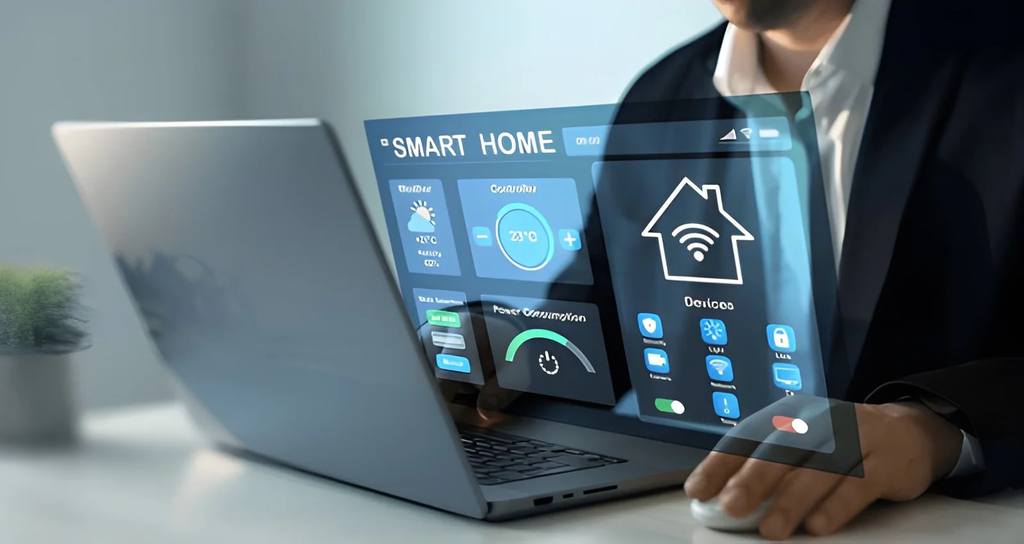
Smart homes rarely fail all at once. A cloud service shuts down, a hub stops getting updates, or a new voice assistant ignores your old bulbs. Then comes the urge to rip everything out and start fresh. That’s usually the costliest move, because a rushed swap can wipe years of routines and leave you with lights that no longer respond to any switch. So what should you do before upgrading an older smart home system?
The best approach is to treat the upgrade like a small project with a rollback plan. You map what you own, save what you’ve built, test one room, and only then switch the rest. This article walks through that order. You will find a quick answer, an inventory template, a table of upgrade paths, a step-by-step sequence, a US safety note, and the mistakes that cause the most regret. It suits renters and owners with hubs from Zigbee, Z-Wave, Wi-Fi, or older proprietary systems. Read the quick answer first, then use the sections that fit your home.
Quick Answer: Before Upgrading an Older Smart Home System
Before upgrading an older smart home system, build an inventory of every device and protocol, export your automations, check which devices still receive updates, and test your plan in one room. Don’t reset the old hub until you’ve verified the new hub is working correctly. Keep manual controls working throughout.
Build the Inventory
Track device names, protocols, hub assignments, and automation dependencies in a spreadsheet.
| Column | What to record |
|---|---|
| Device and room | Name, brand, model |
| Protocol | Zigbee, Z-Wave, Wi-Fi, Thread, Bluetooth |
| Hub or app | What controls it today |
| Cloud dependence | Works without internet? |
| Automations | Routines that use it |
| Support status | Firmware date, manufacturer notices |
Ask whether a vendor publishes support timelines, because silence is an answer.
Back Up Before You Touch Anything
Save automations, scenes, and settings. Home Assistant stores automations as YAML files, and Alexa and Apple Home offer some routine or shortcut exports, while Google Home often needs manual documentation. Take screenshots, and store them with timestamps. Write down Wi-Fi passwords, hub logins, and device IDs.
Decide: Keep, Bridge, or Replace
| Situation | Best move | Why |
|---|---|---|
| Zigbee or Z-Wave devices that work | Keep | Open-protocol devices can re-pair to a third-party hub if the manufacturer leaves |
| Older devices without Matter support | Bridge | A bridge such as a Hue Bridge can keep controlling its bulbs while Matter handles automations |
| Wi-Fi devices needing a cloud | Replace first | Wi-Fi-only, cloud-required products are the most vulnerable category |
| Proprietary hubs near end of life | Plan a full migration | When the hub dies, everything paired to it goes with it |
Remember that devices that only speak a proprietary cloud protocol cannot survive a vendor change. Migration options differ by hub and radio generation, so check your exact models.
Follow This Sequence
| Step | Action |
|---|---|
| 1. Audit | Finish the inventory and support check |
| 2. Back up | Export routines and save screenshots |
| 3. Pilot | Upgrade one room or one device type |
| 4. Verify | Run for a week, including a power and internet outage test |
| 5. Migrate | Move rooms in stages |
| 6. Retire | Keep the old hub until the last room passes |
US Safety Notes
Turn off power at the breaker before replacing in-wall switches, and hire a licensed electrician if you’re unsure, especially if wiring lacks a neutral. Keep smart smoke and carbon monoxide alarms tested, and don’t remove life-safety devices during a migration. Factory-reset and remove old devices before selling or recycling them, and change passwords.
Mistakes to Avoid
The most common mistake is replacing everything at once. Another is resetting the old hub too early. Skipping a backup is a third error. Buying new devices by logo, not protocol, is common. Finally, don’t ignore manual switches. If an upgrade fails, a wall switch should still turn on the lights.
FAQ
Is it worth keeping older Zigbee or Z-Wave devices?
Often yes, if they work and your new hub supports them.
Should I wait for Matter?
Matter helps, but check device types and features before you rely on it.
Bottom Line: Upgrade in Stages, With a Way Back
Before upgrading an older smart home system, inventory every device, back up automations, check support, and pilot in one room. Keep the old system alive until the new one proves itself. A staged upgrade protects both your time and your home.
Must visit https://designmode24.co/ for upgrading an older smart home system.