 Jessica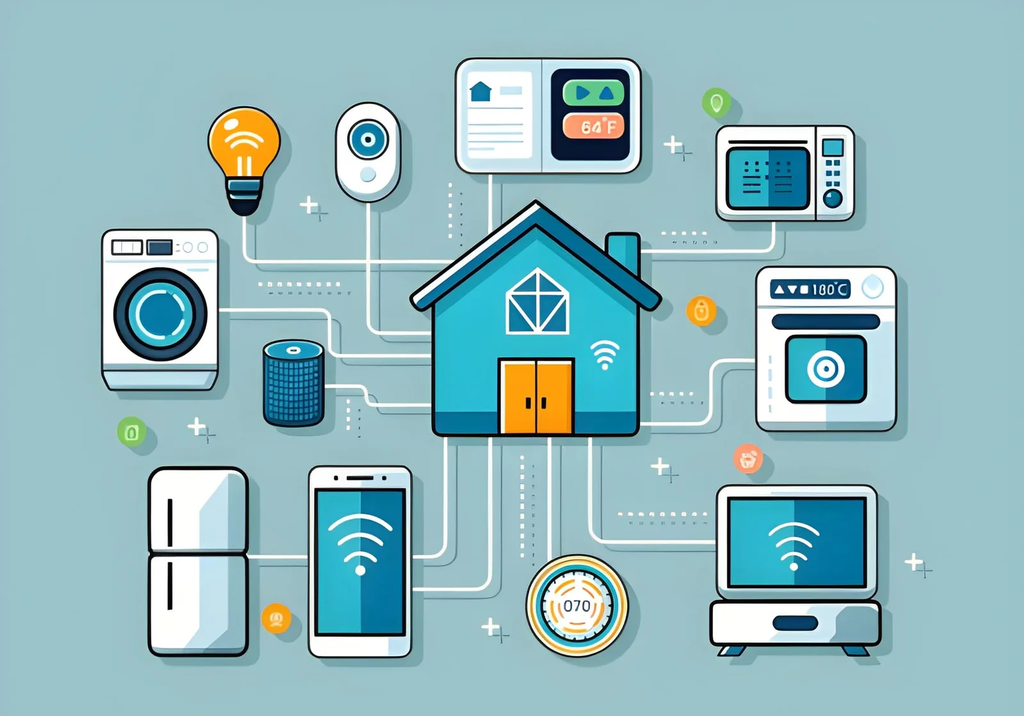
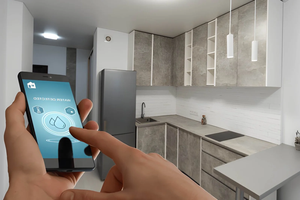
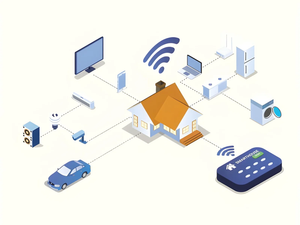
You buy a smart bulb, a plug, and a door sensor, and each one wants its own app. Soon your phone has a folder of apps that don’t talk to each other, and “turn off everything” takes five taps. This is the problem a hub solves. So how can smart home hubs connect all your devices? They act as a translator between gadgets that speak different wireless languages, and they put control in one place.
I have set up homes where a single hub replaced four apps, and others where a hub added nothing because every device already used the same standard. The right choice depends on what you own and what you plan to buy.
This guide covers the quick answer, a table of wireless protocols, a hub comparison by type, a short setup checklist, mistakes to avoid, and an FAQ. It is written for beginners, but it has enough detail for anyone planning a bigger setup.
How can smart home hubs connect all your devices?
Smart home hubs connect all your devices by speaking several wireless protocols, such as Wi-Fi, Zigbee, Z-Wave, Thread, and Bluetooth, and translating them into one control system. You add each device to the hub once, then control lights, locks, sensors, and routines from a single app or voice assistant. Matter support makes this easier across brands.
Which wireless protocols do hubs use?
| Protocol | Frequency | Network type | Best for | Needs a hub or border router? |
|---|---|---|---|---|
| Wi-Fi | 2.4 and 5 GHz | Direct to router | Cameras, plugs, speakers | No, but it can crowd your router |
| Zigbee | 2.4 GHz | Mesh | Bulbs, sensors, switches | Yes |
| Z-Wave | Sub-GHz (varies by region) | Mesh | Locks, sensors, switches | Yes |
| Thread | 2.4 GHz | Mesh | Low-power sensors, Matter devices | Yes, a Thread border router |
| Bluetooth | 2.4 GHz | Short range | Setup, simple accessories | Sometimes |
Z-Wave uses a lower frequency than Wi-Fi, which can help it avoid crowded 2.4 GHz interference.
What does Matter change?
Matter is a shared standard backed by the Connectivity Standards Alliance. It runs over Wi-Fi, Ethernet, and Thread, and it lets compatible devices work across major platforms such as Apple Home, Google Home, and Amazon Alexa. Zigbee and Z-Wave devices can join through a bridge, so older gear is not always wasted.
Which type of hub fits your home?
| Hub type | Examples | Strengths | Trade-offs |
|---|---|---|---|
| Smart speaker or display | Amazon Echo, Google Nest Hub, Apple HomePod | Cheap, voice control, often Matter and Thread | Fewer protocols on some models |
| Dedicated hub | Samsung SmartThings | Broad protocol support | Another device to set up |
| Self-hosted | Home Assistant | Maximum control, local processing | Steeper learning curve |
| Apple TV or HomePod | Apple Home hub | Remote access, automations | Works best inside Apple’s ecosystem |
Check each manufacturer’s current spec page before buying, since features change with updates.
How do you set up a hub in five steps?
| Step | Action |
|---|---|
| 1 | List your devices and note which protocol each uses |
| 2 | Pick a hub that supports those protocols, or Matter |
| 3 | Place it centrally, away from metal and thick walls |
| 4 | Add devices one at a time and give each a clear name |
| 5 | Build one simple routine, such as “Good night,” before adding more |
For mesh protocols, mains-powered devices like plugs and bulbs help extend range, so spread them across the home.
What mistakes should you avoid?
- Buying before checking compatibility. Confirm protocol or Matter support first.
- Hiding the hub in a cabinet. Metal and walls weaken the signal.
- Using vague device names. “Light 3” is hard to say aloud. Use “Hall lamp.”
Frequently asked questions
Do you need a hub for smart devices?
Not always. Wi-Fi devices can work without one, but Zigbee, Z-Wave, and Thread devices need a hub or border router.
Can one hub control different brands?
Yes, if the hub supports the protocol or Matter. Always check the device packaging.
Is Matter better than Zigbee?
They serve different roles. Matter is a shared language across platforms, while Zigbee is a wireless protocol that can connect through a bridge.
Bottom line
A hub works as a translator and a control center. Match it to your devices’ protocols, favor Matter when buying new, and place it centrally. Start with one hub and a few devices, then expand once routines work reliably.
Must visit https://designmode24.co/designmode24-interior-design/ for smart home hub connections.