 Jessica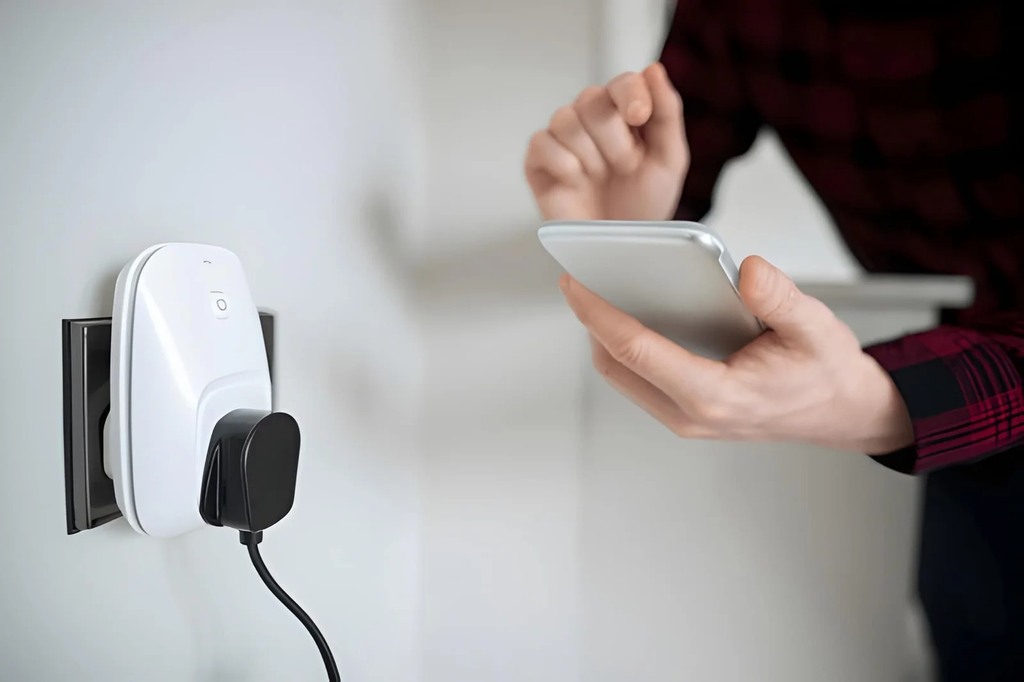
You leave the house and wonder whether the iron is off. You wake up cold because the heater never switched on. You walk into a dark room because the lamp is on the far side of it. None of these devices are broken. They just aren’t connected to anything. So can smart plugs make ordinary appliances smarter?
Partly, and the word “partly” matters. A smart plug adds remote and scheduled power control to a device, but it cannot add features the device lacks. It can switch a lamp on at dusk, yet it cannot make a toaster toast. This article explains what smart plugs do well, where they fall short, and how to check an appliance before you plug it in. You will find a quick answer, a compatibility table, a power rating guide, a three-question test, a setup list, and the mistakes that cause trouble. It suits renters and homeowners alike. Read the quick answer first, then use the sections that fit your home.
Can Smart Plugs Make Ordinary Appliances Smarter?
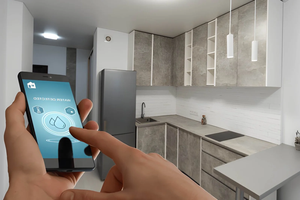
Yes, but only appliances that start working the moment power arrives. Smart plugs let you switch devices on and off by app, schedule, or voice, and some report energy use. They cannot adjust settings like temperature or speed, so they suit lamps, fans, and chargers better than anything that needs a button pressed.
What Smart Plugs Can and Cannot Do
| Appliance | Works well? | Why |
|---|---|---|
| Lamp | Yes | Lights up when powered |
| Fan | Usually | Check that it resumes after power returns |
| Phone or laptop charger | Yes | Simple, low load |
| Coffee maker | Sometimes | Needs its switch left on and water loaded |
| TV or console | Limited | Standby modes and lost settings |
| Washer or dishwasher | No | Cycles need a start button |
| Space heater or iron | Not advised | High load and fire risk unattended |
Check the Power Rating
Every plug has a maximum load printed on it. Appliances have their power draw on a label. As a common rule, keep continuous loads well below the plug’s rating, often under about 80 percent.
| Device | Typical draw (approximate) | Fit |
|---|---|---|
| LED lamp | 5 to 15 W | Very safe |
| TV | 50 to 150 W | Safe |
| Fan | 30 to 100 W | Safe |
| Coffee maker | 600 to 1,200 W | Check the rating |
| Kettle or heater | 1,500 W or more | Often too high |
The Three-Question Test
Ask these before you plug in.
- Does it turn on by itself when power returns? Switch it off at the wall, then back on. If it stays off, a plug cannot start it.
- Is the load safely within the plug’s rating? Compare the labels.
- Is it safe if it switches on while I’m away? If the answer is no, skip it. Heaters, irons, and hobs belong here.
Quick Setup
Plug the smart plug into the wall, connect it through its app, and name it clearly, such as “Hall lamp.” Then add a schedule or a routine. Place plugs where you can reach them, and avoid daisy-chaining power strips.
Mistakes to Avoid
The most common mistake is plugging in a high-wattage appliance because it fits. Another is forgetting that some devices lose their settings when power is cut. Cheap, uncertified plugs are a risk, so choose products with recognized safety marks for your region. Keep plugs away from damp areas unless they are rated for it. Finally, don’t rely on a schedule for anything safety-critical. If a Wi-Fi outage or app glitch happens, the device may not behave as you expect.
FAQ
Do smart plugs use electricity themselves?
Yes, a small amount, since they stay connected to Wi-Fi.
Do I need a hub?
Often not. Many plugs connect directly to your home Wi-Fi, but some systems use a separate hub.
Can they save energy?
They can, by cutting power to devices that draw standby power, though savings are usually modest.
Bottom Line
Smart plugs can make ordinary appliances smarter by adding scheduling, remote switching, and sometimes energy tracking. They work best with simple, low-power devices that start on their own. Run the three-question test and check the power rating before you plug anything in.
Must visit https://designmode24.co/designmode24-interior-design/ for smart plugs ideas.